Reference-preserving edits
Swap outfits, change environments, or restyle lighting while keeping facial features and core proportions intact.
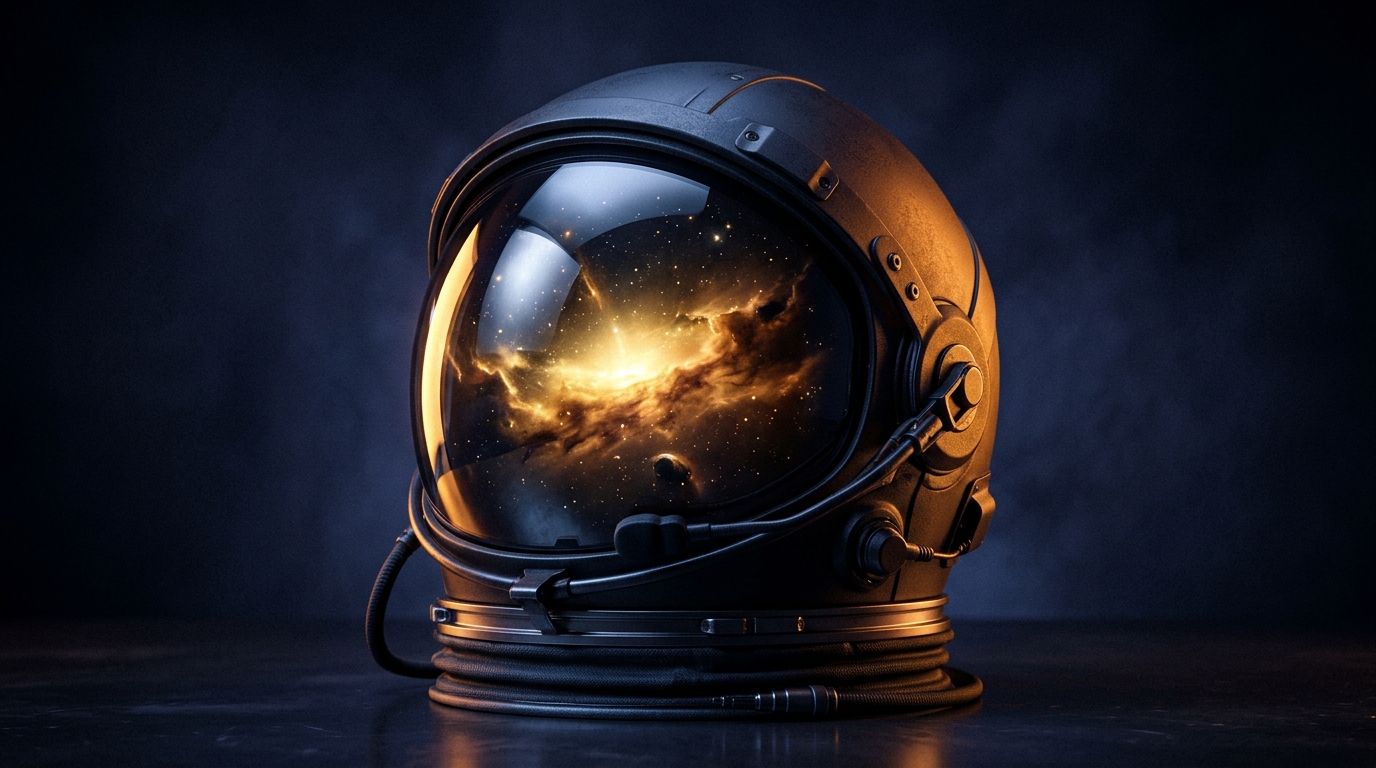
Swap outfits, change environments, or restyle lighting while keeping facial features and core proportions intact.
Combine products, subjects, and backgrounds into one cohesive composition using GPT Image 2.5 or Seedream 5.5.
Re-light studio portraits or convert photographs into painterly styles without losing sharp micro-detail.
Preserve the exact subject pose and architectural framing while shifting the atmosphere to dramatic warm golden studio light.
Upload one or more source images, describe the desired transformation, and compare results in seconds.
Explore plansBuild consistent product scenes, wardrobe variations, and styled keyframes from existing photography.
Drop clean product cutouts into editorial environments with realistic shadows and reflections.
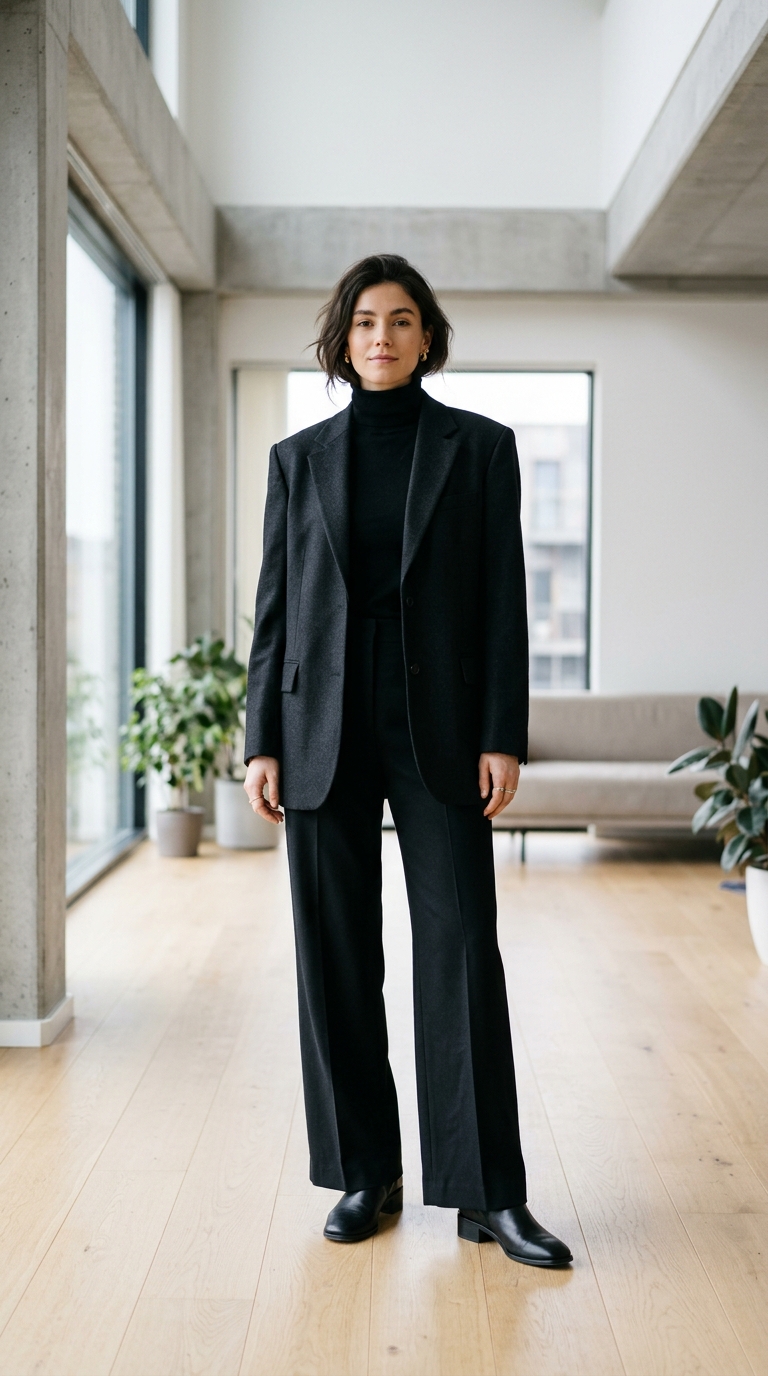
Preview alternate coat colors, fabrics, or backdrops while preserving exact model identity.
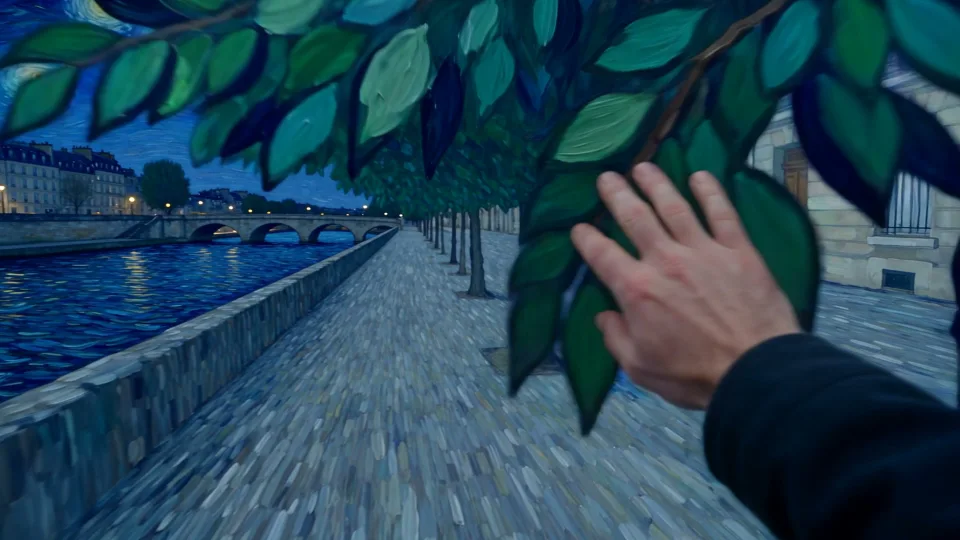
Generate matching day-to-night or costume-change keyframes to power smooth Image to Video transitions.
Try: "Keep the subject identity and pose from the uploaded portrait, change the outfit to a tailored cream blazer, and warm the loft daylight into late afternoon sun."
Explicitly anchoring preserved details delivers cleaner edits.
Begin with "Preserve the exact facial features and posture..." before describing your new outfit or backdrop.
Upload a product photo and a separate environment photo together for realistic scene compositing.
Auto respects your primary reference photo proportions automatically.
GPT Image 2.5 and Nano Banana Pro excel at preserving facial fidelity and typography during edits.
Edit one still into a new lighting state, then use both stills as first & last frames in Image to Video.
Turn raw photos into campaign-ready studio art in a single pass.
Test wardrobe changes and editorial backdrops without booking a second studio shoot.
Composite products into minimalist concrete, sunlit studio, or lifestyle environments.
Convert photography into painterly oil brushstrokes, anime stills, or monochrome film.
Produce consistent character frames across scenes for MAGI-2 Reference to Video.
GPT Image 2.5 accepts up to 16 reference images, GPT Image 2 accepts up to 15, Nano Banana models accept up to 14, and Seedream 5.5 accepts up to 10.
Preserve identity and detail while exploring new styles inside MAGI-2 AI Studio.
REFERENCE-PRESERVING EDITS