Start with a character image
Upload a clear full-body or portrait character photo to lock wardrobe, face, and visual styling.
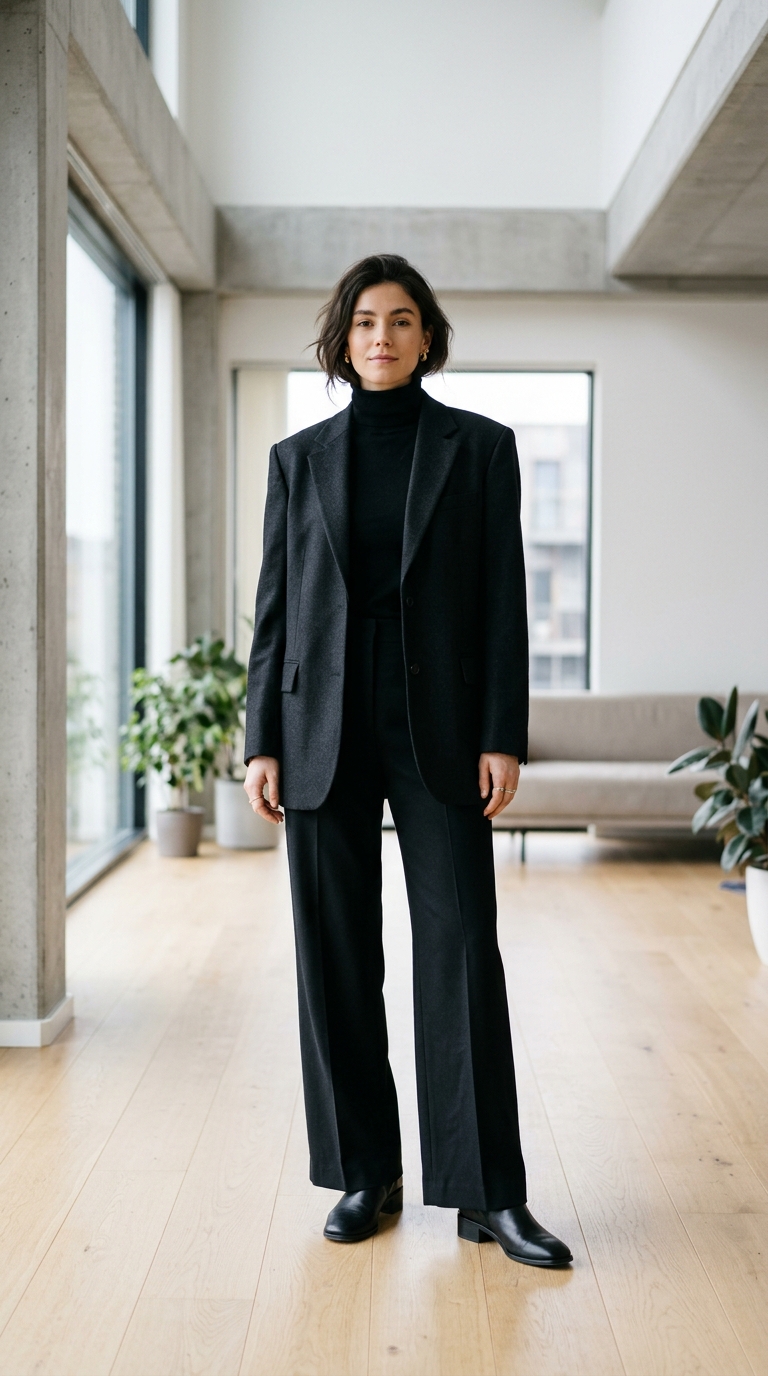
Upload a clear full-body or portrait character photo to lock wardrobe, face, and visual styling.
Supply a reference motion video to drive posture, dance steps, gestures, and performance timing.
Follow either the character framing from your reference video or keep the orientation anchored to your still image.
No distortion, the character movements and rhythm remain consistent with the driving motion video.
One driving motion video, one character image, and orientation controls.
Explore plansDirect virtual influencers, fashion lookbooks, and stylized characters with real human performance.
Record a quick smartphone take and transfer natural gesture timing directly onto your branded avatar.
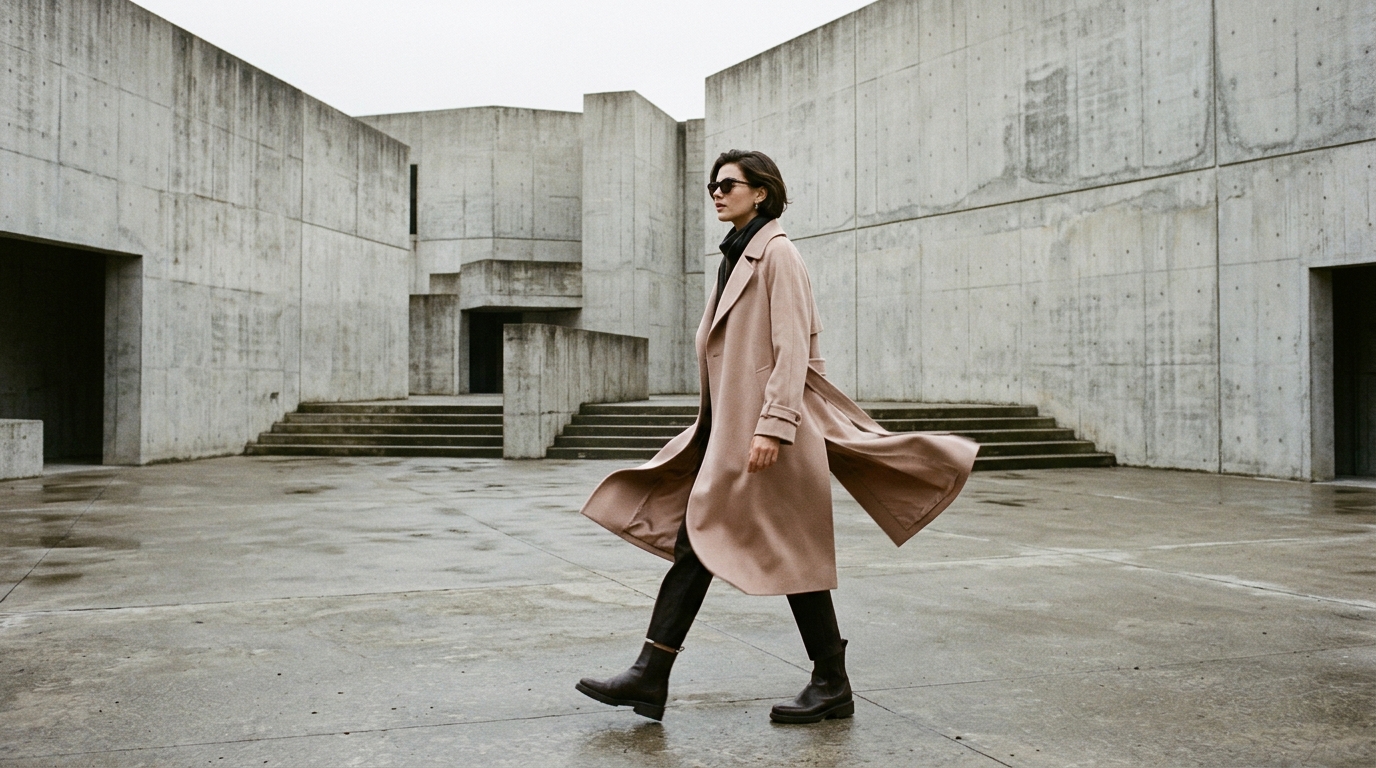
Showcase how coats, knitwear, and silhouettes move from a single clean lookbook photograph.
Test blocking, dance loops, and expressive acting beats on illustrated characters in minutes.
Try: "Keep natural studio lighting and crisp fabric physics; the character follows the exact turn and arm movement from the motion video without distortion."
Clean alignment between character image and driving video yields studio-grade motion.
Pair a full-body character image with a full-body motion video so limbs remain naturally proportioned.
A single clearly visible performer in the driving clip helps the motion tracker stay rock-solid.
Use "From video" for dynamic camera/body motion (up to 30s) or "From image" to keep your photo framing locked (up to 10s).
Use the optional prompt to describe background lighting or fabrics to preserve rather than conflicting actions.
Verify timing and alignment in 720p before upgrading your final pass to 1080p Pro.
Turn any character design into a believable live performance.
Drive digital personas with real smartphone performance capture in minutes.
Show how tailored coats and streetwear drape in motion from a single lookbook photo.
Replicate viral choreography cleanly across branded mascots or stylized characters.
Block physical acting beats using reference footage before full 3D animation.
Upload both a Motion video (MP4 or MOV) and a Character image (PNG or JPG). Adding a text prompt is optional.
Transfer real human performance onto any still character inside MAGI-2 AI Studio.
PRECISION MOTION TRANSFER