Multiple models, one workspace
Switch seamlessly between MAGI-2, Seedance 2.5, Kling 4.0, MiniMax H3, and Seedance 2.0 Mini with transparent credit estimates.
Build a cinematic clip straight from natural language. Describe an everyday moment, an imagined landscape, or a dramatic dialogue scene.
Generate synchronized dialogue, foley, ambient atmosphere, and background rhythm in a single pass with MAGI-2 AI.
First-person walking shot along a cobblestone riverside promenade at twilight, warm streetlamps reflecting across calm water.
Use the MAGI-2 AI studio above to turn a written scene into a playable 1080p clip with synchronized sound.
Explore plansMove from a written beat to a finished 1080p audio-video clip across social, brand, and cinema formats.
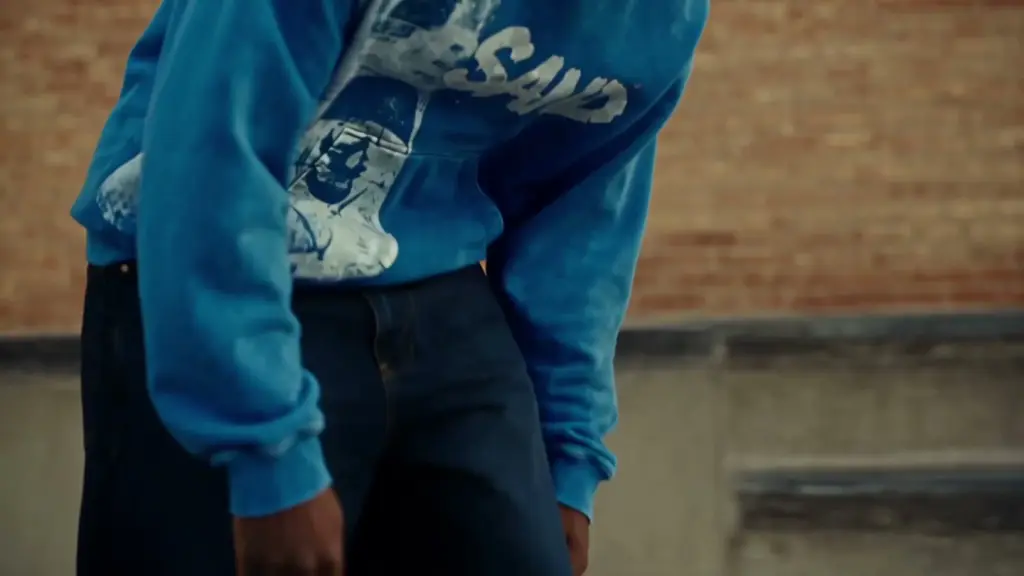
Draft attention-grabbing vertical or widescreen openers directly from campaign copy with synchronized ambience.
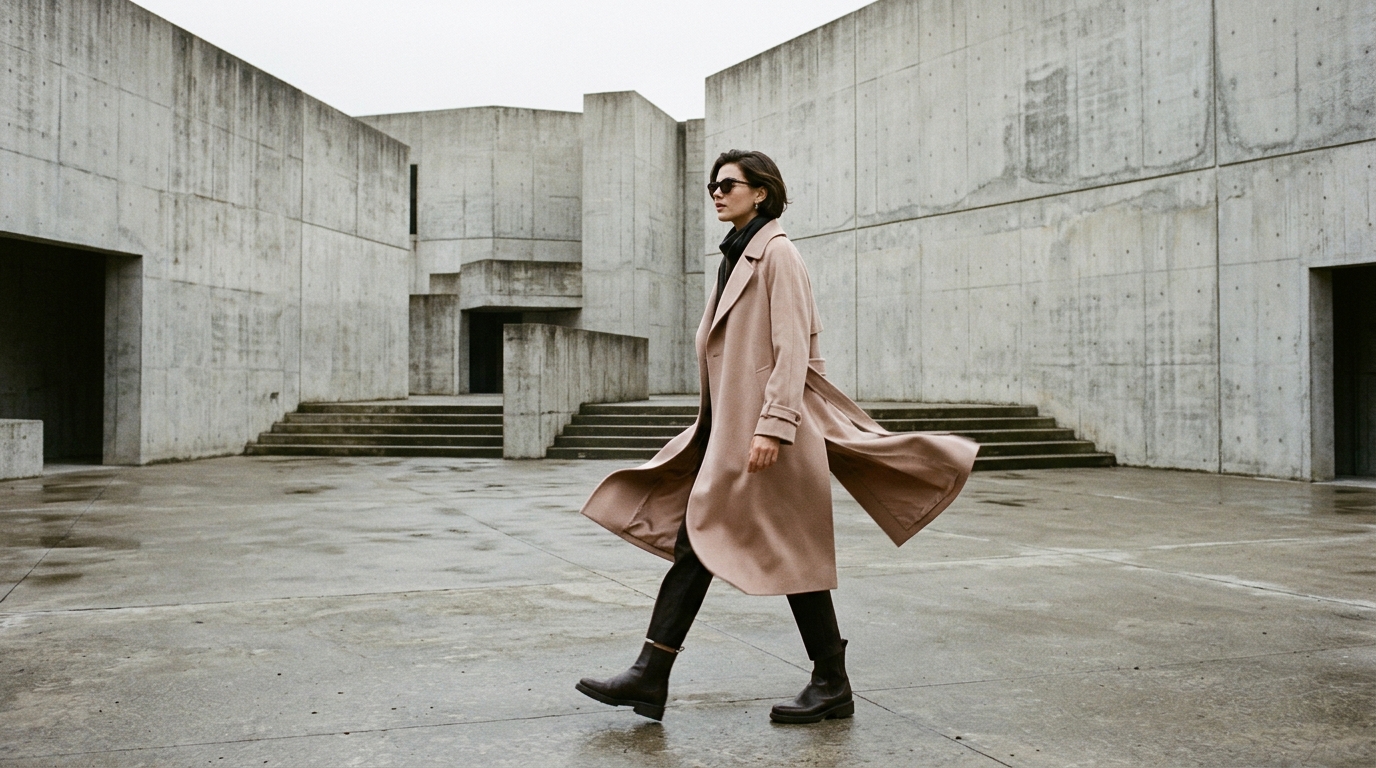
Validate lighting direction, pacing, and camera blocking before booking a crew or studio location.
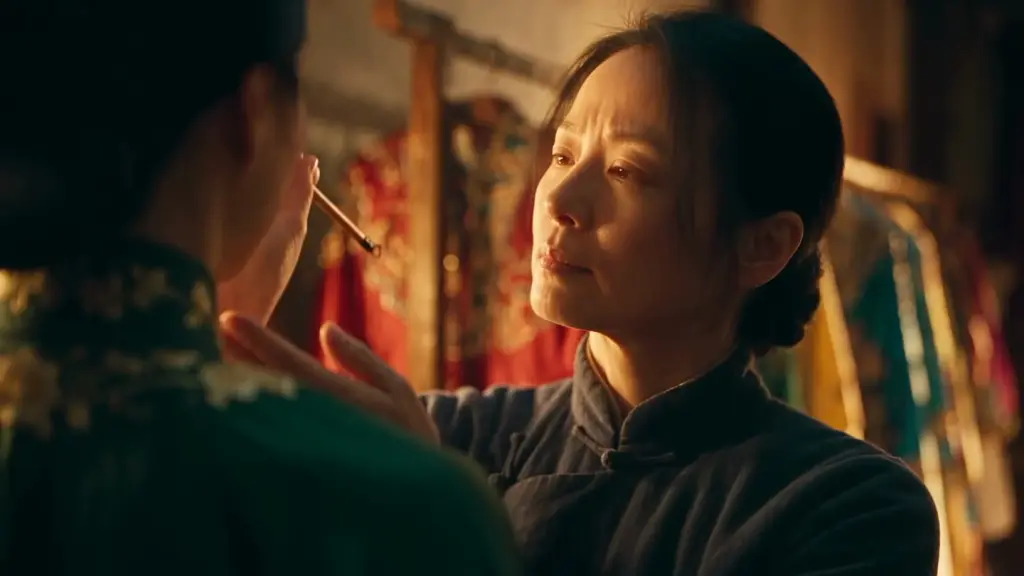
Visualize dialogue beats and atmospheric transitions up to 30 seconds straight from your script outline.
Try: "A woman in a flowing blush wool coat walks confidently past a minimalist concrete courtyard under soft overcast daylight as the camera tracks smoothly alongside her."
Use structured, visual instructions so MAGI-2 AI renders each shot with consistent motion and atmosphere.
Anchor your prompt around one clear, readable action—walking, turning toward camera, or pouring tea—before layering secondary details.
Guide framing with specific lens and camera cues such as slow dolly-in, wide establishing shot, or steady handheld follow.
Specify time of day, weather, and color temperature. A few deliberate lighting notes outperform long contradictory lists.
Match aspect ratio (16:9, 9:16, 21:9, 1:1), duration (4s–30s), and resolution (480p–1080p) to your publishing platform.
Prototype quickly on 480p or Seedance 2.0 Mini, then promote your winning prompt to MAGI-2 1080p for final delivery.
Begin with the purpose of the clip, then direct a scene that supports it.
Produce vertical 9:16 hooks and atmospheric reels from a single prompt—no stock footage hunting required.
Pitch multiple creative moods and visual treatments to clients with playable concept clips before shooting.
Visualize key script beats, test lighting continuity, and preview pacing with synchronized dialogue and ambience.
Explore surreal worlds, miniature landscapes, and painterly aesthetics in minutes to align on art direction.
MAGI-2 AI Text to Video transforms written descriptions into full-motion video clips with optional synchronized audio. Inside MAGI2Gen you can run MAGI-2 alongside Seedance 2.5, Kling 4.0, MiniMax H3, and Seedance 2.0 Mini in one workspace.
Explore MAGI-2 AI plans and give your next creative idea a faster place to begin.
YOUR WORDS ARE THE STARTING POINT