Continue directly from your clip
Pick up from the closing momentum of uploaded footage so characters, wardrobe, and environment carry forward.
Guide the next beat—a slow camera pull-back, a character turn, or a dramatic reveal—with simple natural language.
Build longer narrative moments using MAGI-2, Seedance 2.5, or Kling 4.0 in one continuous workspace.
Continue smoothly from @Video1 as the camera glides forward under the warm streetlamps and the bridge comes into closer view.
Upload your clip, describe the next moment, and generate a cohesive continuation.
Explore plansTurn promising 5-second drafts into complete scenes with room for titles, voiceover, and story beats.

Add clean trailing motion onto tight shots so lower-thirds, logos, and callouts land naturally.
Push an establishing shot forward into a character reveal or reaction beat without hard jump cuts.

Carry ambient street sound, footsteps, and score momentum smoothly across extended seconds.
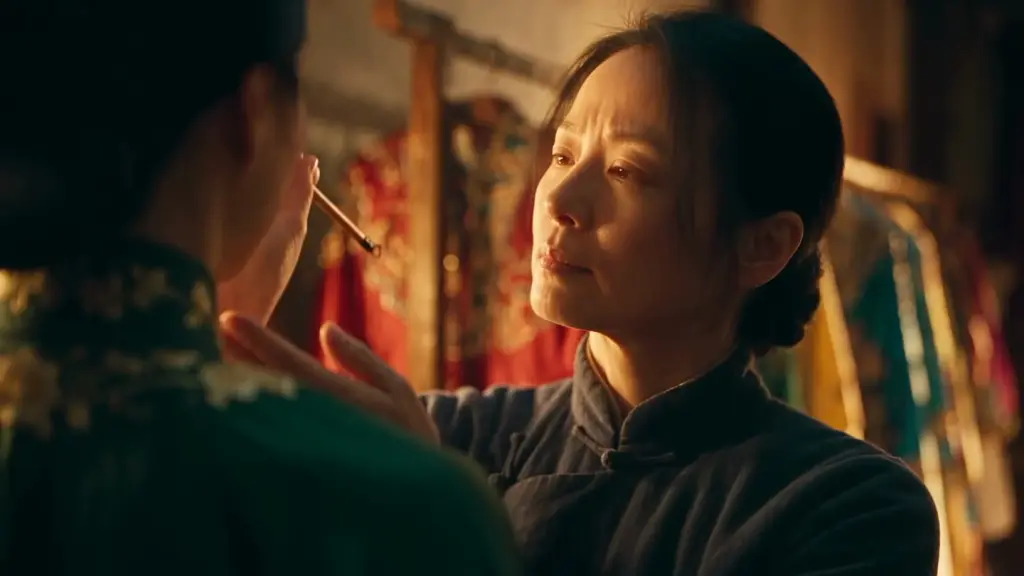
Try: "Continue from @Video1: the performer lowers the brush, turns gently toward the warm backstage mirror, and smiles softly as stage curtains part in the background."
Smooth continuations start with clear end-of-clip cues.
Describe the immediate next physical motion rather than jumping abruptly to an unrelated location.
Repeat key atmosphere words (warm tungsten light, shallow focus) so tone stays locked.
Slowly widening the frame is one of the cleanest ways to expand a tight shot into a wider scene.
If a new character or prop enters during the extension, attach a reference image and tag it with @Image1.
Uploading a clip that ends on a stable frame gives the model a stronger spatial anchor.
Add breathing room and narrative payoff to short footage.
Extend hero b-roll by 5–10 seconds so titles, logos, and narration never feel rushed.
Chain opening hooks into follow-up reactions and atmospheric closing shots.
Expand visualizers and performance shots to cover full chorus sections seamlessly.
Explore how a camera track evolves past the initial storyboard frame.
Upload an existing video clip, describe what should happen next, and choose a model that supports video continuation (MAGI-2, Seedance 2.5, Kling 4.0, or Seedance 2.0).
Extend your best moments with MAGI-2 AI without losing momentum or mood.
SEAMLESS SCENE CONTINUATION