First and last frame control
Upload a starting keyframe—and toggle Add end frame—to guide exact scene transitions from opening composition to closing pose.
Keep faces, garments, product silhouettes, and lighting grounded to your source image throughout the entire clip.
Turn static photography into slow dolly-ins, parallax pans, or subtle breathing portraits with natural motion physics.
Gentle camera push-in as warm evening sunlight drifts across the portrait and fabric sways naturally in the breeze.
Upload a clean reference frame, describe the desired motion, and preview your animated clip in one workspace.
Explore plansTransform product photography, storyboards, and lookbooks into high-impact motion assets.

Animate clean studio photography with subtle orbital camera glides, glint reflections, and ambient foley.
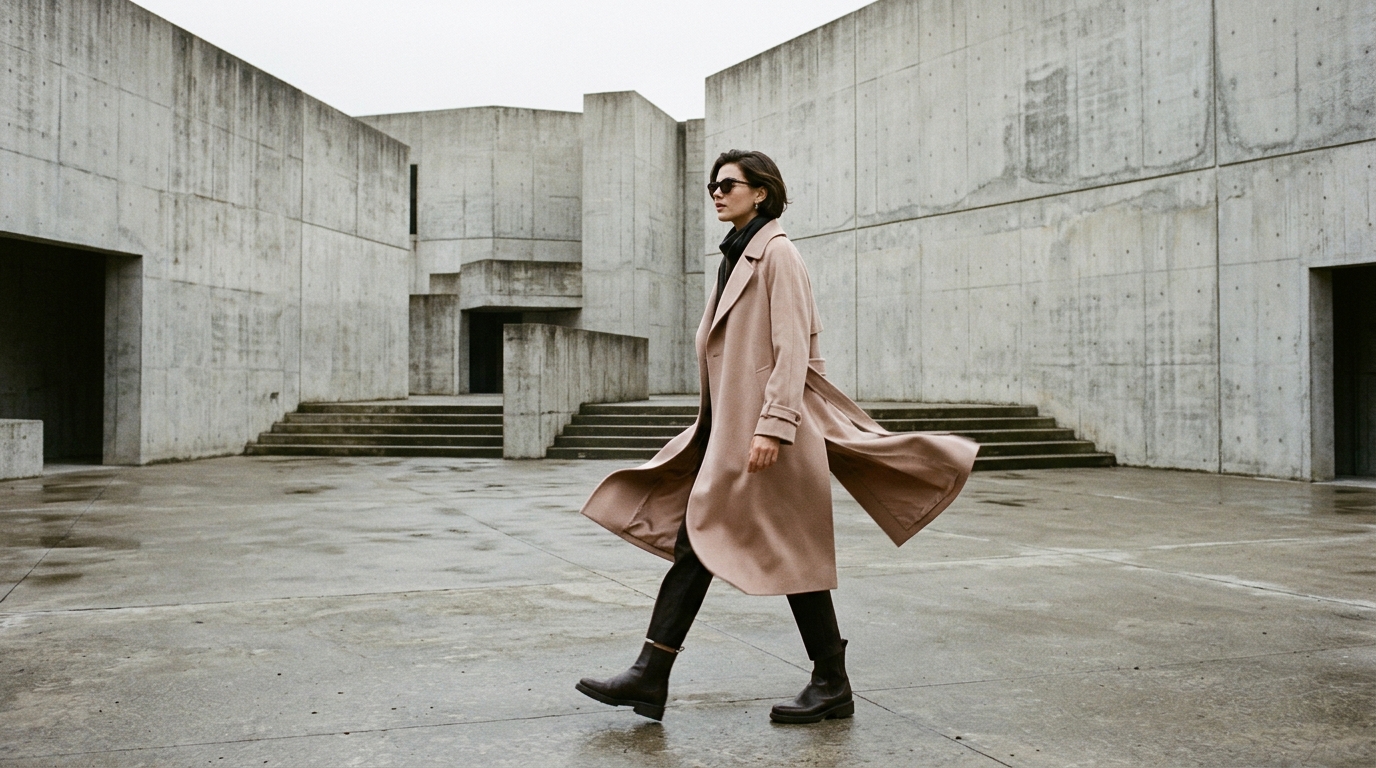
Turn still fashion frames into living runway clips while preserving fabric drape and model identity.
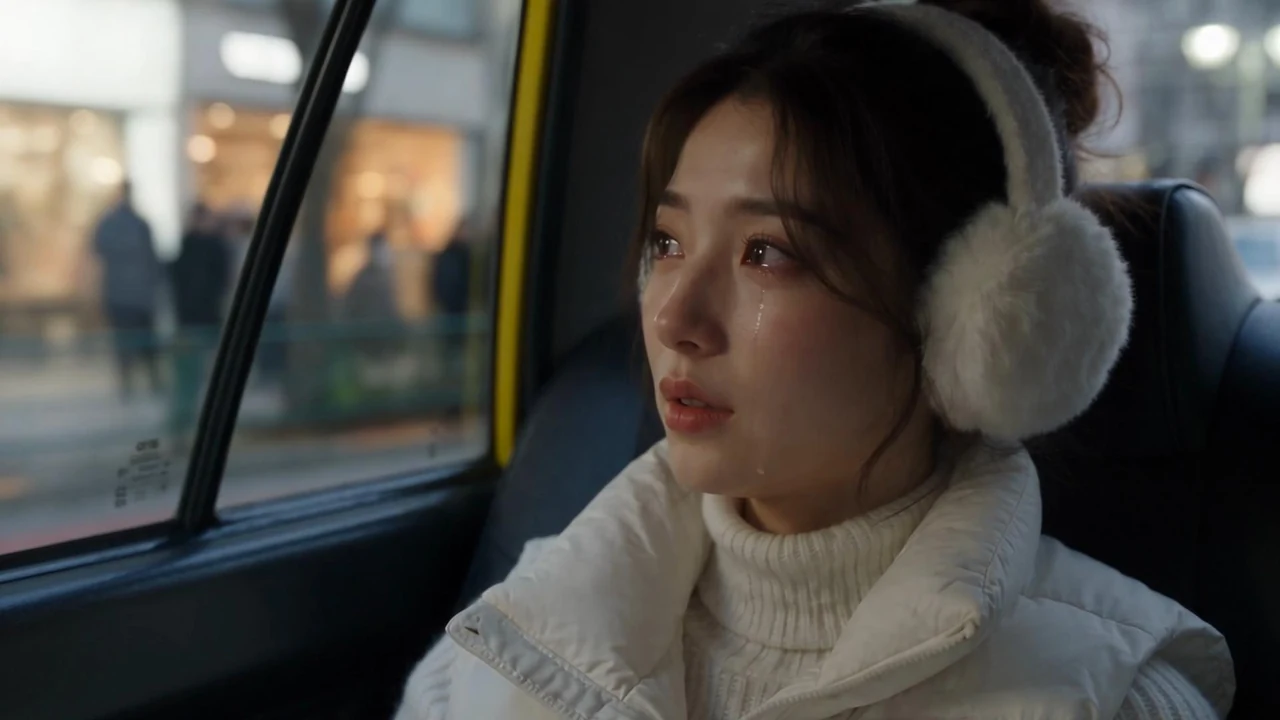
Lock exact opening and closing compositions to guide smooth day-to-night or location transitions.
Try: "Slow cinematic push-in toward the subject as soft rain streaks past the car window and city lights shimmer across the glass."
Small prompt refinements unlock smoother, cleaner frame motion.
Since the model already sees your image, spend your prompt describing movement, expression shifts, and camera path.
Start with sharp, uncropped source images free of watermarks or heavy compression artifacts.
Keep Adaptive ratio selected so your output honors the exact proportions of your uploaded keyframe.
Enable Add end frame to smoothly morph lighting, camera angles, or character poses between two stills.
Gradual pacing over 5–10 seconds produces far cleaner temporal consistency than abrupt multi-action cuts.
Turn static visual assets you already own into moving stories.
Animate hero product stills with subtle specular light sweeps, steam, or gentle 360-degree camera drift.
Bring fashion photography to life with natural garment drape, wind movement, and subtle gaze shifts.
Convert static concept frames into timed motion tests to preview pacing before live production.
Add atmospheric depth, drifting particles, and gentle camera parallax to digital paintings.
Upload PNG, JPG, JPEG, or WEBP images directly from your device. Images are uploaded securely to temporary storage and passed straight to your chosen video model.
Turn product photos, portraits, and concept frames into fluid 1080p clips.
EVERY FRAME CAN MOVE