Edit with natural language
Swap an outfit, change weather from sunny to snowy night, or restyle textures without rotoscoping frame by frame.
Preserve original blocking, timing, and camera trajectory while replacing targeted visual elements.
Attach optional reference images alongside your source clip to steer wardrobe, props, or color palettes accurately.
Transform the twilight riverside walkway into a rain-soaked autumn evening with glowing reflections while keeping the exact walking motion.
Upload a short source clip, describe what should change and what should stay, and preview your revised take.
Explore plansIterate on visual direction, seasonal variants, and artistic look-dev without going back on set.
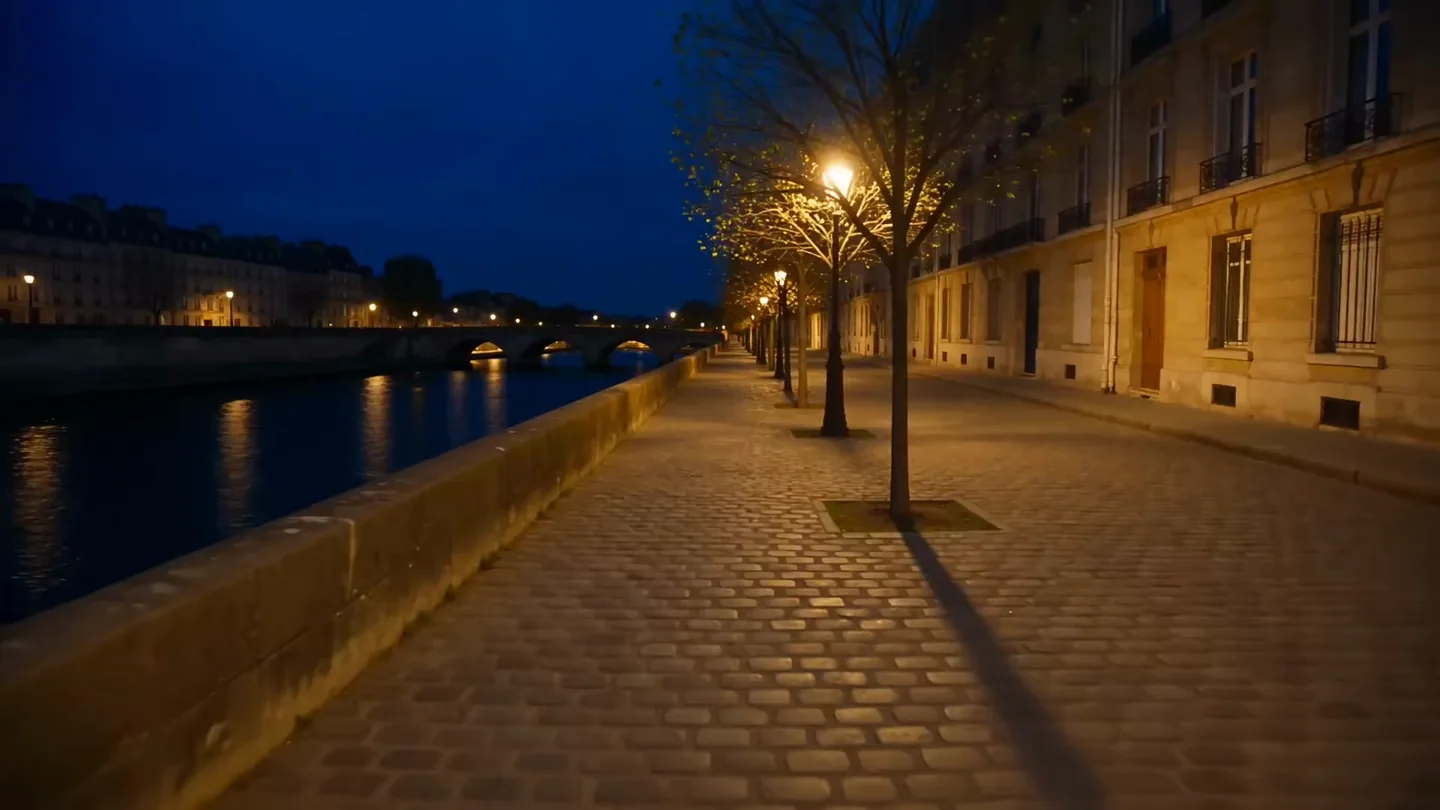
Recast overcast footage into twilight neon, warm golden hour, or rain-slicked reflections via text instructions.
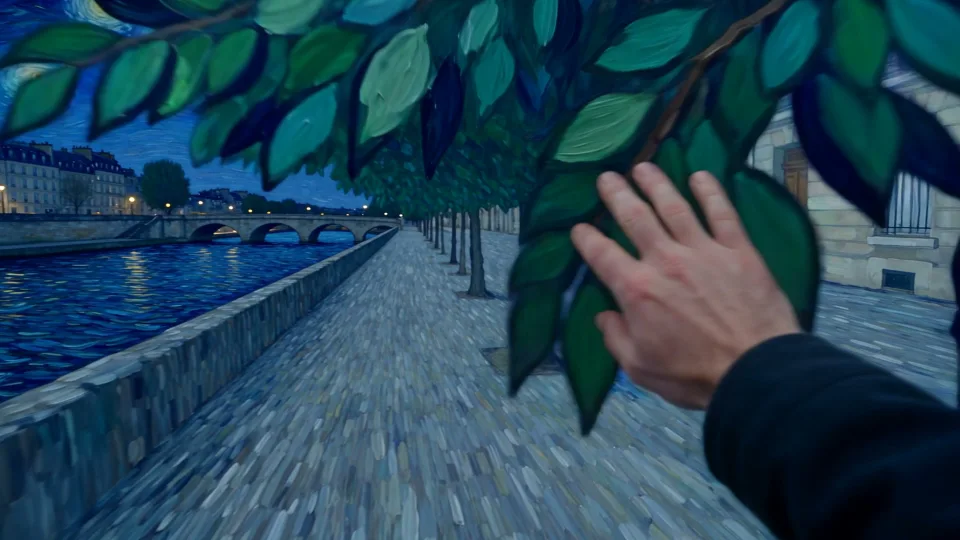
Restyle live-action clips into tactile oil brushwork, film noir monochrome, or stylized animation.
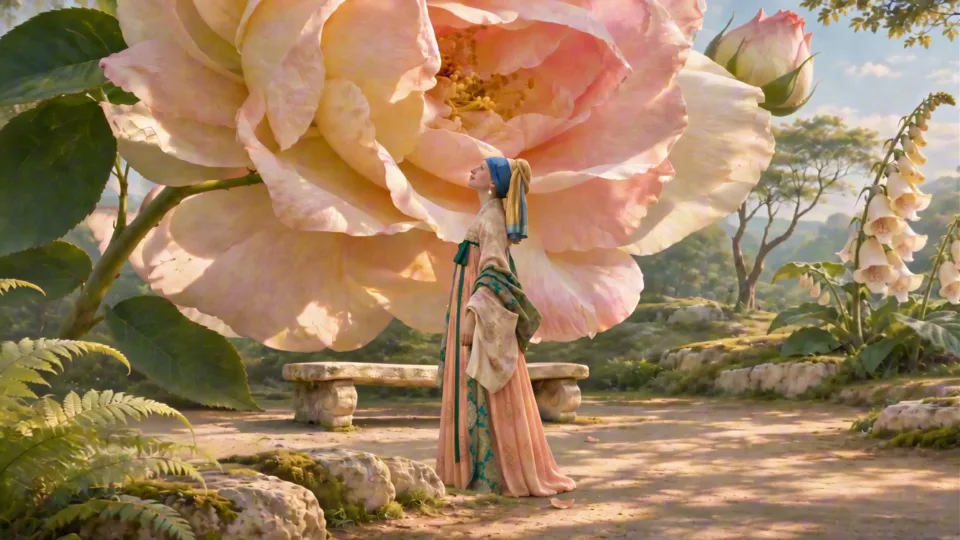
Swap wardrobe accents, props, or background mood across regional ad cuts while keeping actor timing intact.
Try: "Keep the exact camera movement and subject posture from @Video1, but transform the environment into an impressionist oil painting under swirling starry skies."
Targeted instructions produce cleaner, more faithful edits.
Explicitly keep framing, facial expression, and motion timing so the edit stays grounded to your footage.
Focusing on either environment, wardrobe, or style transfer per pass produces noticeably sharper results.
Upload a reference photo of a target jacket, prop, or palette and tag it with @Image1 for precision.
Well-exposed clips with minimal motion blur give the editing model stronger geometry cues.
Verify your edit prompt quickly at lower resolution before producing your final 1080p pass.
Refresh existing footage for new campaigns, seasons, or creative styles.
Adapt one hero commercial into winter snow, golden autumn, or neon night editions in minutes.
Turn live-action footage into painterly animation, noir cinema, or analog 16mm aesthetics.
Test alternative product finishes, jackets, or background signage directly on existing takes.
Shift flat overcast exteriors into golden-hour rim light or moody studio ambience.
You can change lighting, weather, environments, outfits, props, or apply full artistic style transfers using natural language prompts and optional reference images.
Transform existing footage inside MAGI-2 AI Studio without complex VFX pipelines.
PROMPT-DRIVEN VIDEO EDITING